TL;DR
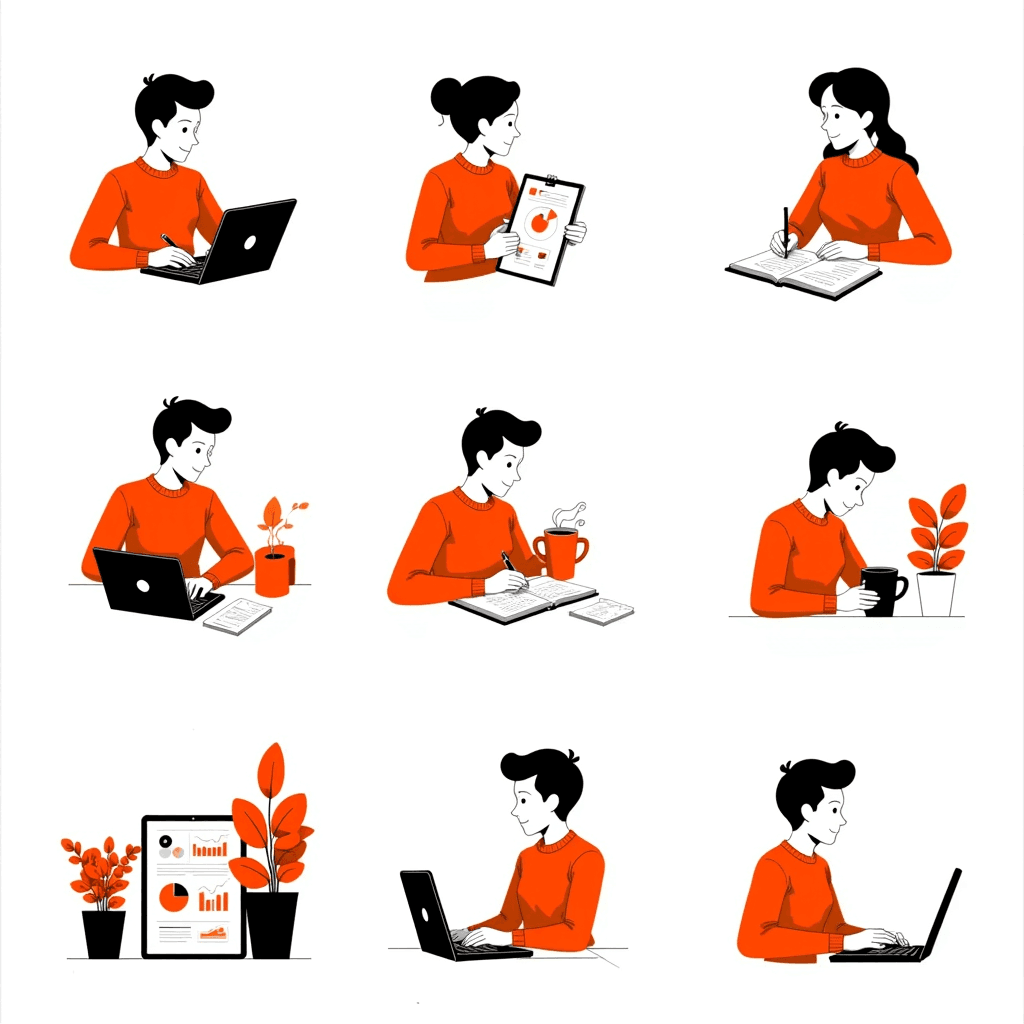
- Consistent AI illustration prompts share one fixed style block and vary only the subject — that single habit does more for visual consistency than any other technique.
- The structure that works is five comma-separated parts: subject, composition, style, colour, background.
- Aim for 25 to 60 words. Spend them on visual specifics rather than mood adjectives, which rarely change the output.
- The 60 prompts below are grouped by use case, and every one is designed to be pasted in front of the same style block.
Most AI illustration prompts fail in the same way. They describe a feeling instead of a picture, and the model fills the gaps with its own defaults — which change every time you generate.
The fix is mechanical. Write the visual specifics, fix the style once, and never rewrite the style again.
The five-part structure
| Part | What it controls | Example |
|---|---|---|
| Subject | What is in the frame | a person watering a plant growing out of a laptop |
| Composition | Where it sits and from what angle | centred composition, three-quarter view |
| Style | Rendering treatment and line weight | flat vector, clean uniform line weight, soft long shadows |
| Colour | The palette, named explicitly | muted indigo violet, warm sand, one soft coral accent |
| Background | What surrounds the subject | plain off-white background, no text |
Only the first two should ever change between images in a set. The last three are your style block.
If the whole workflow is new to you, the prompt is really just step 4 of six — the wider sequence is in how to make illustrations.
Write the style block once

Save this fragment somewhere you can paste it, and append it to every prompt in the project:
- Style — flat vector illustration, clean uniform line weight, soft long shadows.
- Colour — muted indigo violet with warm sand and a single soft coral accent.
- Background — plain off-white background, no text.
Naming the style explicitly matters more than any other clause. Flat work needs its shadow rule stated — see how to create flat illustrations — while isometric needs the 30-degree grid named or the model drifts into loose perspective.
Swap the palette for your own brand colours and the block stays reusable for years. This is the same discipline as restricting an illustration to five colours — one dominant, one secondary, one accent and two neutrals — which we cover in the six-step illustration workflow.
60 prompts by use case
Paste any row below, then append your style block. Each one is written as subject plus composition only.
Website hero sections
| # | Subject and composition |
|---|---|
| 1 | Two people shaking hands across a floating dashboard panel, centred symmetrical composition |
| 2 | A single figure launching a paper plane over a low skyline, wide composition, figure lower left |
| 3 | A person climbing a staircase built from stacked cards, diagonal composition rising to the right |
| 4 | Three abstract product panels fanned out like a hand of cards, centred three-quarter view |
| 5 | A figure adjusting oversized dials on a floating control panel, figure right of centre |
| 6 | Three people carrying one large puzzle piece toward a wall, wide horizontal composition |
| 7 | A person watering a plant growing out of an open laptop, centred composition |
| 8 | A rocket built from stacked geometric blocks lifting off a plinth, vertical centred composition |
| 9 | Two figures joining a bridge between two floating platforms, wide symmetrical composition |
| 10 | A figure facing a wall of floating notification cards, wide composition, figure lower left |
Blog and editorial
| # | Subject and composition |
|---|---|
| 11 | A magnifying glass held over a simple bar chart, centred composition, no figures |
| 12 | A person reading an oversized open book with shapes rising from the pages |
| 13 | A split scene, a cluttered desk on the left and a tidy desk on the right |
| 14 | A hand placing the final block on a balanced tower, close crop |
| 15 | A maze seen from directly above with one clear path picked out, flat overhead composition |
| 16 | Two speech bubbles overlapping to form a third shape, centred composition, no figures |
| 17 | A figure walking a tightrope between two tall stacks of coins |
| 18 | A clock face dissolving into falling geometric shapes, centred composition, no figures |
| 19 | A person sorting floating cards into three columns |
| 20 | A lighthouse beam sweeping across a field of small identical shapes, wide composition |
SaaS product and dashboards
| # | Subject and composition |
|---|---|
| 21 | A floating dashboard panel holding three simple chart cards, angled three-quarter view, no figures |
| 22 | A person dragging a chart card into place on a grid, wide composition |
| 23 | Two boxes connected by a flowing pipe of small shapes, horizontal composition, no figures |
| 24 | A funnel with many dots entering the top and few leaving the bottom, centred, no figures |
| 25 | A stack of translucent layers separating into an exploded view, angled composition, no figures |
| 26 | A figure flipping a large switch beside a rising line chart |
| 27 | A calendar grid with three cells lifting off the surface, angled view, no figures |
| 28 | A person reviewing a floating list of ticked items |
| 29 | One large gauge with its needle in the upper range beside two smaller gauges, centred, no figures |
| 30 | Two figures working either side of a shared floating workspace panel |
Empty states and error screens
| # | Subject and composition |
|---|---|
| 31 | An open empty box with a single small plant growing from it, centred composition, no figures |
| 32 | A person looking up at an empty picture frame on a wall |
| 33 | A plug and a socket floating slightly apart, centred composition, no figures |
| 34 | An empty basket tipped on its side, centred composition, no figures |
| 35 | A figure holding a map upside down at a fork in a path |
| 36 | A single cloud with a broken outline drifting alone, centred composition, no figures |
| 37 | An open folder with nothing inside it, angled view, no figures |
| 38 | A person sweeping the last shape off an otherwise empty surface |
| 39 | A telescope aimed at an empty sky holding one faint dot, wide composition, no figures |
| 40 | A search magnifier resting over a completely blank grid, centred composition, no figures |
Social media
| # | Subject and composition |
|---|---|
| 41 | One bold geometric shape centred with generous surrounding space, square composition, no figures |
| 42 | A person holding a phone with shapes streaming out of the screen, square composition |
| 43 | Three stacked panels at slight angles to each other, square composition, no figures |
| 44 | A hand raising a trophy built from simple stacked forms, square crop |
| 45 | Three descending circles suggesting a countdown, square composition, no figures |
| 46 | A figure mid-jump with confetti shapes suspended around them, square composition |
| 47 | Two overlapping profile silhouettes forming a shared shape, square composition |
| 48 | A megaphone with concentric arcs radiating outward, square composition, no figures |
| 49 | A calendar page tearing away to reveal a bright shape beneath, square, no figures |
| 50 | A ladder leaning against an oversized star, square composition, no figures |
Spot icons and small marks
| # | Subject and composition |
|---|---|
| 51 | A single leaf with one visible vein, centred, minimal detail, no figures |
| 52 | A simple key with a circular bow, centred, no figures |
| 53 | A shield split by one diagonal division, centred, no figures |
| 54 | A document with one folded corner, centred, no figures |
| 55 | A lightbulb reduced to a circle and two straight lines, centred, no figures |
| 56 | A padlock with a solid body and a thin shackle, centred, no figures |
| 57 | An envelope with a single triangular flap, centred, no figures |
| 58 | A cog with six broad teeth, centred, no figures |
| 59 | A location pin with a hollow centre circle, centred, no figures |
| 60 | A stack of three offset rounded rectangles, centred, no figures |
Why prompts stop working
Three failures account for most bad output, and none of them are fixed by adding adjectives.
- Describing mood instead of geometry. "Innovative and dynamic" gives the model nothing to place. "Diagonal composition rising to the right" does.
- Changing the style block between images. Rewriting the style each time guarantees a set that does not match.
- Asking for text. Lettering inside generated images is still unreliable. Generate the artwork, then set type over it — which is also why labelled process diagrams have to be built by hand.
One more habit worth keeping: when a subject keeps arriving with unwanted people or hands in it, say so explicitly. Adding "no people, no figures, no hands" is often the difference between a diagram and a stock scene.
Running these prompts in Illustrations AI
A prompt library is only useful if the tool holds the style steady between generations, which is the part that breaks when you paste the same wording into a general-purpose generator.
- Pick the style once and it applies to every prompt in the list, so the style block in your text has less work to do.
- Work through the list in one sitting. At under 20 seconds an option, a full set of ten page illustrations is a single afternoon.
- Ship without a licensing step — everything you generate carries full commercial rights, and no credit card is needed to start testing.
Two honest limits. Nothing here will produce readable text inside an image, and output is raster — if you need SVG, treat the result as a reference layer and rebuild it using the vector workflow. For animation, the artwork has to be rebuilt in separate layers first, covered in how to make animated illustrations.
Fix the style, vary the subject
Pick your palette, write the style block once, and work through the list above swapping only the subject and composition.
Sixty prompts sharing three fixed clauses will look like one designer made them. Sixty prompts written from scratch will look like sixty designers did.
Try these prompts free — each option is created in under 20 seconds, with full commercial rights and no credit card required.
FAQs

Meet the Author
Vignesh Rao Y
Vignesh is driven by ideas that create a tangible impact. At Illustrations AI, he specializes in content that helps designers and marketers speed up their creative workflows. When he's not turning complex ideas into simple visuals, you might find him lost in a book, jotting down ideas in his notebook, or connecting the dots others overlook.